What is marketing automation in plain English: what it does, how it differs from a CRM and email marketing, what the tools cost, and what to automate first.
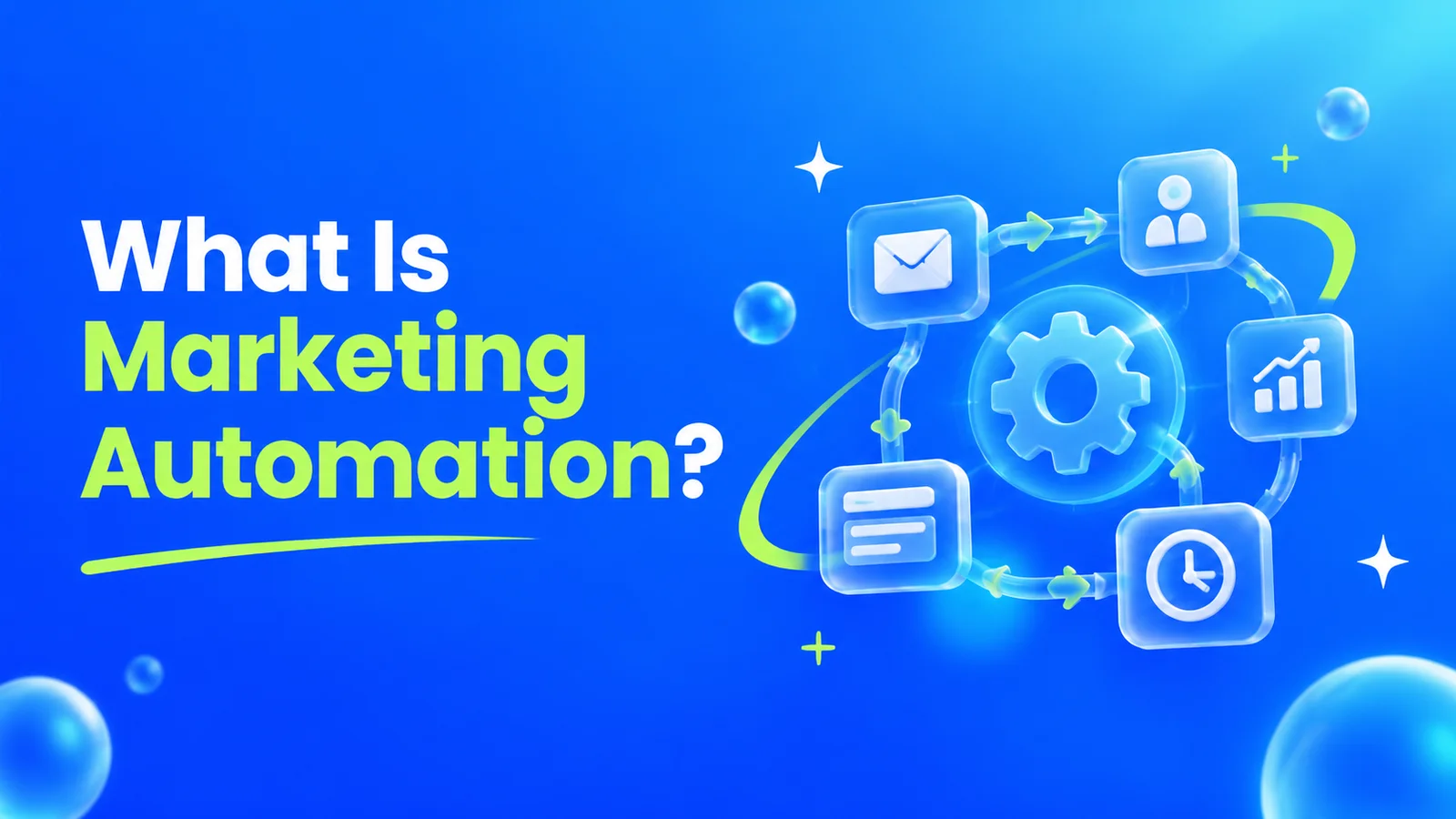
What Is Marketing Automation? A Plain English Guide
Every small business owner has heard the term marketing automation, usually from a software salesperson, and most nod along without being fully sure what it means. The vendors like it that way. A confused buyer is an easy buyer. So here is the concept explained the way we would explain it to a client across the table: what it is, what it is not, what it costs, and where a small business should actually start.
The short answer
Marketing automation is software that sends the right follow-up at the right moment without you pressing send. You set up rules once: when someone downloads a guide, books a call, or goes quiet for 30 days, the system emails, texts, or alerts you automatically, every time, even at 2 a.m.
That is all of it. Everything else, the workflows, the lead scoring, the dashboards, is decoration on that one idea: decide what should happen when a customer does something, and let software do it forever, without forgetting, getting busy, or going on holiday.
You have almost certainly already met a small piece of it. The email that arrives two minutes after you abandon an online shopping cart is marketing automation. So is the "we miss you" discount from a store you have not visited in months, the appointment reminder from your dentist, and the instant "thanks for your enquiry" message from a well-run service business. The difference is that they set it up once, and you are still doing yours by hand, when you remember, on the days you are not slammed.
What marketing automation actually does all day
Strip away the jargon and an automation platform spends its day doing five unglamorous jobs:
- It answers instantly. A new lead fills in your form at 9:40 p.m. and gets a helpful reply in seconds, not the next morning. Speed matters more than almost anything here, as our guide to the five-minute rule for lead follow-up lays out.
- It nurtures patiently. Most people who find your business are not ready to buy today. Automation sends them a short, useful sequence over days or weeks, a welcome email, a case study, an answer to the question everyone asks, so that when they are ready, you are the name they remember.
- It follows up on money. Quotes that were sent and never answered, abandoned carts, estimates that went quiet: the system chases them politely and persistently, long after a human would have felt awkward and stopped.
- It asks at the right moment. Review requests sent the day after a job completes, referral asks sent after a compliment, rebooking reminders sent when a service is due again. Timing is the whole game, and software never mistimes it.
- It tidies and reports. Contacts get tagged, scored, and sorted by behaviour. You open one dashboard and see who is warm, who has gone cold, and which messages are making money.
Email is where most of this happens. Statista's figures put email as the most automated marketing channel at 58% of marketers, ahead of social media at 49%. But the better platforms also handle text messages, WhatsApp, social scheduling, and alerts to your own team.
One workflow, walked through slowly
Abstract definitions do not stick, so here is one automation at a typical Vancouver business: a Burnaby physiotherapy clinic with three practitioners and a front desk that is always busy.
- The trigger. A new patient books online at 10 p.m. That booking is the event that starts everything.
- The confirmation. The system instantly sends a confirmation email and adds the patient to the clinic's contact list with a tag: new patient.
- The reminder. Two days before the appointment, a text reminder goes out automatically. No-shows drop because nobody has to remember to send it.
- The follow-up. The morning after the appointment, an email checks in, shares two recovery exercises, and asks how the session felt.
- The review ask. Three days later, patients who opened the check-in get a polite request for a Google review, with the link included.
- The rebooking nudge. Six weeks on, patients who have not booked again get a short message: "How is the shoulder doing? Most treatment plans need a follow-up around now."
- The quiet branch. Patients who did rebook skip the nudge entirely. The system checks before it sends, every time.
Total staff effort after setup: zero minutes a week. The clinic did not hire a marketer. It wrote down what good follow-up looks like, once, and the software repeats it perfectly for every patient. That, scaled up or down, is the entire concept. Platforms call each chain like this a workflow or a journey, built from triggers, filters, delays, and branches: the machinery behind the seven steps above.
Marketing automation vs email marketing: not the same thing
These two get used interchangeably, and they should not be. Email marketing is a channel: you write a message and send it to a list. A newsletter is email marketing. A sale announcement is email marketing. You press send, everyone gets it at once.
Marketing automation is the behaviour layer that sits on top of channels like email. The message goes out because of something the person did, at the moment it makes sense for that person, and what happens next depends on how they respond. If they clicked the pricing link, the next message talks about pricing. If they never opened it, the system tries a different subject line three days later instead of blasting the next step at someone who missed the first.
Hold the difference this way: email marketing is you talking to a crowd. Marketing automation is the software having a pre-planned conversation with each person individually. One more distinction matters for your budget: basic email tools send campaigns, while automation is what makes email pay. We made that case in full in our article on email marketing as the highest-ROI channel most businesses ignore, and the numbers back it up: automated emails generate about 30% of all email revenue from just 2% of sends, according to Omnisend's 2025 data.
What is the difference between a CRM and marketing automation?
This is the question that confuses the most buyers, partly because vendors blur it on purpose. Here is the cleanest split we know:
A CRM is the memory. It is the database that remembers who your customers are, what they bought, what you last discussed, and where each deal stands. Salesforce, HubSpot's CRM, Pipedrive, and Zoho CRM are built to store and organise relationships. Think of it as the filing cabinet and the notebook combined.
Marketing automation is the messenger. It acts on what the memory knows. It watches for events (a form filled in, a page visited, a deal gone quiet) and sends the message, starts the sequence, or alerts the human. It is the part that does things, not the part that remembers things.
Two consequences follow. First, the two feed each other: the CRM gives automation the data to personalise with, and automation writes back what happened (she opened the quote email twice, he clicked the booking link) so your records stay useful. Second, many small businesses do not need to buy both separately. All-in-one platforms like HubSpot bundle a CRM and automation in one product, and lighter tools like Brevo include a basic CRM free. Buying a standalone CRM and a standalone automation platform makes sense once a sales team lives in the CRM all day; for a five-person business, one combined tool is usually the smarter spend.
One warning: a CRM full of contacts nobody follows up with is just an expensive address book, and automation pointed at a messy, outdated contact list is a machine for sending the wrong message faster. The order of operations is: tidy list first, simple automations second, fancy platform last.
The main types of marketing automation tools
The market looks enormous, but for a small business it collapses into four categories. Name the category you need and the shortlist writes itself.
1. Email-first platforms. These started as newsletter tools and grew automation on top. Mailchimp is the famous one: friendly, everywhere, and fine for welcome sequences and abandoned-cart emails, though its flows are capped on cheaper plans (four steps on Essentials, which starts at $13 a month). Brevo is the budget pick we point cost-conscious clients at: it prices by emails sent rather than contacts stored, starts at $9 a month, includes a basic CRM free, and adds text and WhatsApp alongside email.
2. Automation-first platforms. These lead with the workflow builder and treat email as one action among many. ActiveCampaign is the standard-bearer: the deepest, most flexible automation editor in its price range, with lead scoring and a built-in sales CRM on higher plans. It starts at $15 a month billed annually, and it is the tool we recommend when a business knows follow-up is its bottleneck and wants room to grow.
3. All-in-one CRM platforms. HubSpot is the category: CRM, email, automation, landing pages, and reporting in one system, with a genuinely usable free tier. The catch is the staircase. Starter runs about $20 per seat per month, but the workflow automation most businesses want sits in Marketing Hub Professional, which starts at $890 a month before a mandatory onboarding fee. Superb software, priced for companies well past the startup stage. Zoho plays the same all-in-one game at friendlier prices.
4. Enterprise suites. Salesforce Marketing Cloud and Adobe Marketo Engage are what banks, telcos, and national chains run. If you are reading a plain-English guide, you do not need them, and any salesperson suggesting otherwise is telling you something about their commission, not your requirements.
Two supporting players round out most real-world stacks. Zapier and Make are glue tools: they connect apps that do not talk to each other, so a form submission in one tool can create a contact in another and ping your phone. Scheduling tools like Calendly also end up in most stacks, quietly automating the booking back-and-forth that eats front-desk hours.
What should a small business automate first?
Not everything, and not the cleverest thing. Automate in the order that money leaks. For most small businesses we work with, that order is:
- Instant lead response. Every enquiry gets an immediate, useful reply (and you get an alert) no matter when it arrives. This is the single highest-value automation for service businesses, because enquiries go cold in minutes while owners are on job sites, in appointments, or asleep.
- A welcome sequence. Two or three emails for new subscribers or new customers: who you are, what you do best, what to do next. Welcome emails earn an average open rate of 83.6% in GetResponse's 2024 data, the highest of any automated email, because people are paying attention right after they sign up. Almost nobody sends one.
- Quote and proposal follow-up. A polite sequence at three days, seven days, and two weeks after a quote goes out. Most small businesses send a quote and then wait in silence, hoping. The follow-up sequence is where "we went with someone else" turns into "sorry, yes, let us book it in."
- Review requests. Sent automatically a few days after every completed job, while the good experience is fresh. Reviews compound: they lift your Google presence, which brings more enquiries, which the first automation on this list then answers instantly.
- Reactivation. A quarterly message to past customers and dormant leads. These people already know you, which makes them the cheapest revenue you will ever chase, and a simple "it has been a while, here is what is new" regularly revives work that manual follow-up never would have reached.
We ranked the money side of this in our guide to AI automations that pay for themselves, and the honest pattern is the same whether the automation is AI-flavoured or plain rules-based: follow-up first, novelty later.
What does marketing automation cost?
Three numbers decide your real cost: the software, the setup, and the list size. The software itself is cheaper than most owners expect at the small end:
| Tool | Category | Starting price (USD) |
|---|---|---|
| Brevo | Email-first, priced by sends | Free, then from $9/month |
| Mailchimp | Email-first | Free, then from $13/month |
| ActiveCampaign | Automation-first | From $15/month, billed annually |
| HubSpot Marketing Hub | All-in-one CRM platform | Free, Starter per seat, Professional from $890/month |
So what is the minimum budget needed to start marketing automation? Honestly: zero. Between Brevo's free tier (300 emails a day) and HubSpot's free tools, a one-person business can run a welcome sequence and instant lead replies today for nothing but an afternoon of setup. A realistic working budget, with proper automation and a few thousand contacts, is $15 to $60 a month. The jump only gets steep if you buy an enterprise platform before you need one, or pay for contacts you never email: most tools bill by list size, so a bloated, never-cleaned list is a monthly tax on doing nothing.
Setup is the second number. Doing it yourself, the first three automations on the list above take a weekend, most of it spent writing the emails, not learning the software. Hiring it out, an agency setup for a small business typically runs as a project in the low thousands of dollars: the trade is your weekend, or a team that has built these sequences a hundred times. Either way, price the first year, not the first month.
How long does it take to set up, and to pay for itself?
Setup time scales with ambition. A welcome sequence and instant lead reply on Brevo or Mailchimp: an afternoon. The full five automations above, tested properly: one to two weeks of part-time effort, or a few days in an agency's hands. A HubSpot Professional implementation with data migration and a sales team to train: measure it in months, and treat anyone promising otherwise with suspicion.
The payoff matters more, so here is the most-cited research, honestly labelled. Nucleus Research found marketing automation returns an average of $5.44 for every $1 spent over the first three years, with most companies recouping the cost in under six months. The same research line credits automation with a 14.5% lift in sales productivity and a 12.2% cut in marketing overhead. Those are averages across companies bigger than yours, so scale your expectations down: for a small service business, payback usually arrives the first time the quote follow-up sequence rescues a job that silence would have lost. With adoption now at roughly 76% of companies per Statista, the question has quietly flipped from whether to automate to which follow-up you are still doing by hand.
What you should never automate
Automation amplifies whatever you point it at, including your worst instincts. Keep a human on these:
- Complaints and unhappy customers. A templated reply to an angry customer is gasoline. Automate the alert that tells you instantly, never the response.
- The first personal touch with a high-value prospect. A founder-level email that is obviously automated destroys the trust it was meant to build. Automate the reminder to write it, not the writing.
- Anything you would not say out loud to their face. Fake urgency, fake personalisation ("Dear {FirstName}" when the merge fails), and guilt-trip sequences are all detectable, and your market is smaller than you think.
- Sensitive moments. Bereavement-adjacent services, health results, legal trouble: if the situation needs tact, it needs a person.
The rule of thumb our team uses: automate the predictable, escalate the emotional.
Is marketing automation worth it for a very small business?
Yes, with one condition: keep it small. A one or two person business does not need lead scoring, branching journeys, or a platform with a training course. It needs the three automations that stop revenue leaking: instant replies to enquiries, follow-up on quotes, and review requests after jobs. Those run happily on a free or $15 tier, take an afternoon to set up, and give a solo operator the one thing they can never hire cheaply: perfect follow-up on the days they are too busy delivering the work to chase more of it. Buy the bigger platform later, when the bottleneck is genuinely the software and not the absence of any system at all.
Frequently asked questions
What is marketing automation in simple words?
It is software that follows up for you. You decide the rules once: when someone enquires, books, buys, or goes quiet, the system sends the right email or text at the right time, automatically. Instead of remembering a hundred small follow-ups, you write them down once and the software repeats them perfectly, every time.
Is marketing automation the same as email marketing?
No. Email marketing is sending messages to a list, like a newsletter or a sale announcement, where you press send and everyone gets it at once. Marketing automation decides who gets what based on what each person did, and when. Email is the most common channel automation uses, but automation also covers texts, reminders, review requests, and alerts to your own team.
What is the difference between a CRM and marketing automation?
A CRM remembers; marketing automation acts. The CRM is the database of who your customers are, what they bought, and where each deal stands. Marketing automation watches that data for triggers and sends the follow-up, sequence, or reminder. Many small business tools, like HubSpot and Brevo, now bundle both in one product.
How much does marketing automation cost for a small business?
Less than most owners expect. Free tiers from Brevo and HubSpot cover the basics. Paid plans with real automation start at $9 to $20 a month (Brevo, Mailchimp, ActiveCampaign), and a realistic working budget is $15 to $60 a month including a growing contact list. Costs jump when businesses buy enterprise tiers early or pay for large lists they never clean. Agency setup, if you outsource it, is typically a one-off project in the low thousands.
How long does it take to set up marketing automation?
Your first automation, an instant lead reply or a welcome sequence, takes an afternoon on a simple platform. The five core automations most small businesses need take one to two weeks of part-time DIY effort, including writing and testing. Enterprise platform implementations with data migration run to months.
What should a small business automate first?
Instant lead response, then a welcome sequence, then follow-up on quotes and proposals that have gone unanswered. After those three, add review requests after completed work and a quarterly reactivation message to past customers. Follow-up is where small businesses leak the most revenue, so it is where automation pays back fastest.
Can marketing automation work for a 1-2 person business?
Yes, and arguably it helps most there, because a tiny team has the least slack for follow-up. Keep it narrow: instant enquiry replies, quote follow-up, and review requests on a free or entry-level plan. Skip lead scoring and complex journeys until the business is bigger. The goal is a system that never forgets, not a platform that needs its own administrator.
How long does it take for marketing automation to pay for itself?
Research firm Nucleus Research puts the average return at $5.44 for every $1 spent over three years, with most companies recouping costs within six months. For a small service business, payback is usually more concrete: the first rescued quote or the first month of enquiries answered instantly instead of the next morning.
The plain-English bottom line
Marketing automation is not robots doing your marketing. It is you, on your best day, writing down exactly how follow-up should work, and software doing it on your worst day too: the busy day, the sick day, the day the enquiry arrived at midnight. Start with the follow-up that is leaking money, keep the platform cheap, and let the results argue for the next step.
Our team builds these systems as part of our AI automation services: lead response, follow-up sequences, review engines, and the CRM tidy-up that has to come first. If you would rather have specialists run the whole programme, our guide to what AI automation agencies actually do explains what that engagement looks like, and the marketing side connects through our digital marketing services. Not sure which automation your business should build first? Book a free 15-minute consultation and we will point at the leak, even if the fix turns out to be a free tool and an afternoon of your own time.
Our AI automation services cover workflow automation, AI agents and chatbots, and the plain marketing automation in this guide, built and maintained by our Vancouver team. If follow-up speed is your bottleneck, start with the five-minute rule.